
The procedure is explained using the example of the operating system Windows 10 Pro 22H2.
To install the software package, proceed as follows:
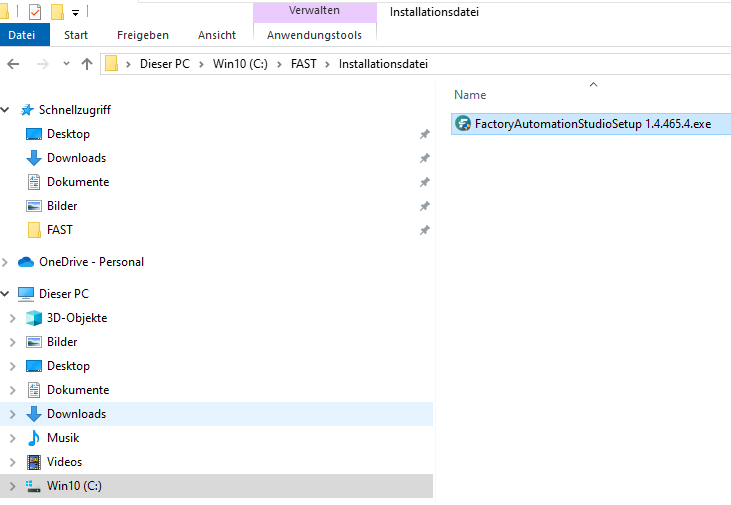
- Select the file path of the installation file and start the installation manually by double-clicking the file “FactoryAutomationStudioSetup.exe”
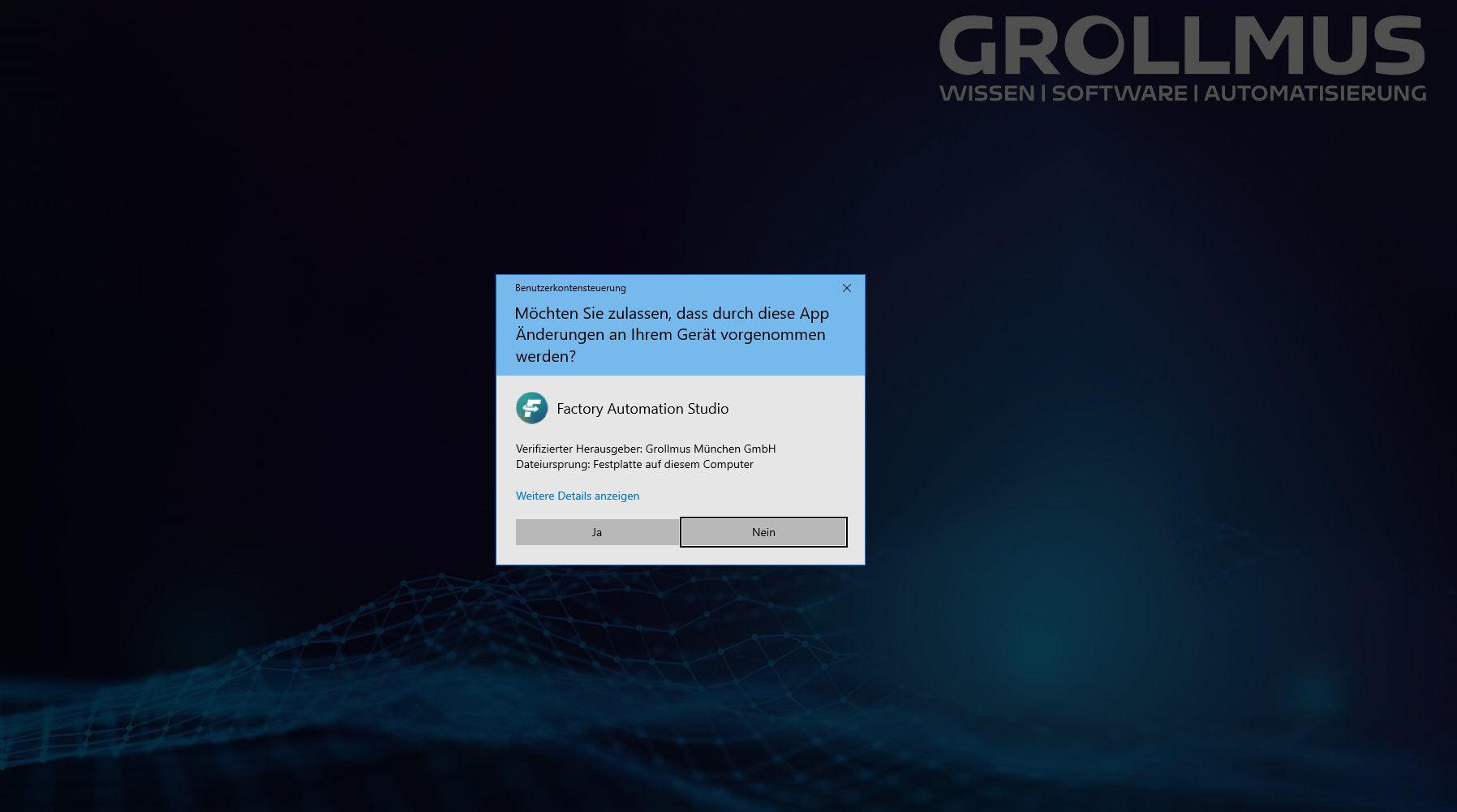
- Confirm the Windows security warning
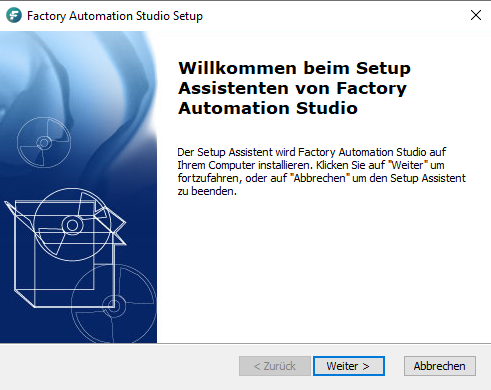
- A pop-up window will open and guide you through the installation process. Click "Next"
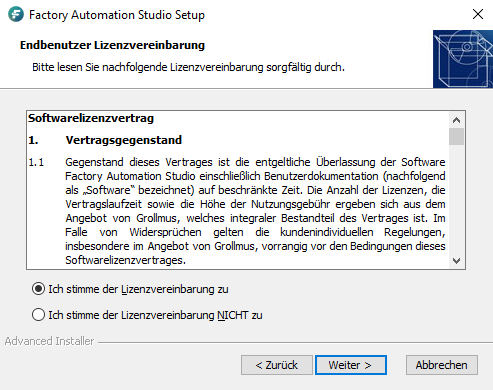
- Confirm the End User License Agreement
- If necessary, select an installation directory and click "Next"
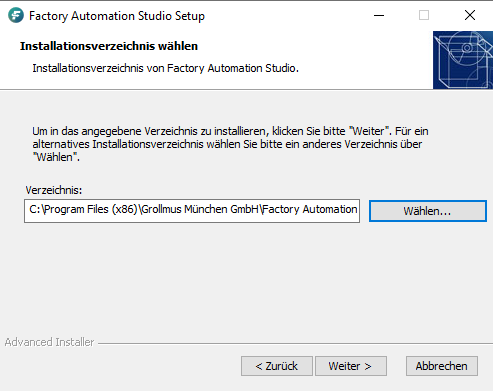
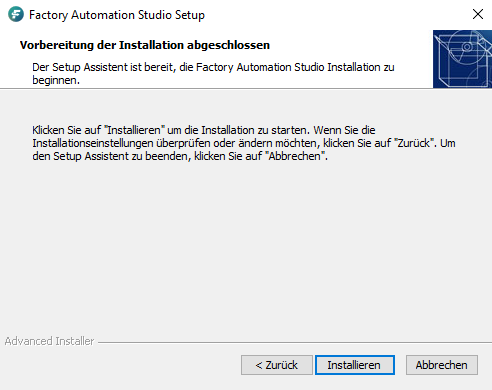
- Click "Install"
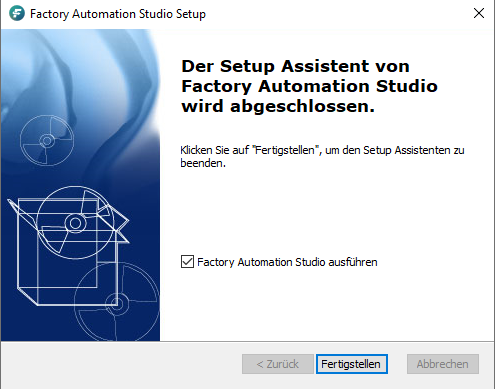
- After successful installation, Factory Automation Studio opens. If you do not want this to happen, please remove the check mark next to “Run Factory Automation Studio” before clicking “Finish”.
 English
  German